Installation
1. Install KCL
From the Binary Releases
Each release of KCL includes various OSes and architectures. These binary versions can be manually downloaded and installed from Github and add {install-location} to the environment PATH.
MacOS & Linux
export PATH=$PATH:{install-location}
Windows
$env:PATH += ";{install-location};"
Using script to install the latest release
MacOS
Install or upgrade the latest darwin KCL to /usr/local/bin
curl -fsSL https://kcl-lang.io/script/install-cli.sh | /bin/bash
Uninstall
curl -fsSL https://kcl-lang.io/script/uninstall-cli.sh | /bin/bash
Linux
Install or upgrade the latest linux KCL to /usr/local/bin
wget -q https://kcl-lang.io/script/install-cli.sh -O - | /bin/bash
Uninstall
wget -q https://kcl-lang.io/script/uninstall-cli.sh -O - | /bin/bash
Windows
Install or upgrade the latest windows KCL to $Env:SystemDrive\kclvm\bin and add this directory to User PATH environment variable.
powershell -Command "iwr -useb https://www.kcl-lang.io/script/install-cli.ps1 | iex"
Uninstall
powershell -Command "iwr -useb https://www.kcl-lang.io/script/uninstall-cli.ps1 | iex"
Homebrew (MacOS)
- Install
# Install the latest version
brew install kcl-lang/tap/kcl

# Specify a version
brew install kcl-lang/tap/kcl@x.y.z
- Upgrade
brew upgrade kcl-lang/tap/kcl
- Uninstall
brew uninstall kcl-lang/tap/kcl
Scoop (Windows)
Install Scoop first, then add this bucket and install kcl by running:
scoop bucket add kcl-lang https://github.com/kcl-lang/scoop-bucket.git
scoop install kcl-lang/kcl
From Go
Install kcl through the Go command (Go requires 1.22+).
go install kcl-lang.io/cli/cmd/kcl@latest
From Docker
- Command
docker run --rm -it kcllang/kcl
- Update image
docker pull kcllang/kcl
From Nix Packages
See here
Note
We can execute the following command to ensure that KCL has been installed correctly.
kcl --help
If you are unable to successfully install and run KCL, you can refer to here
2. Install KCL IDE Extension
Install Language Server
Before we enable the IDE extension, first we install the KCL Language Server binary and add it to the PATH.
MacOS
Install or upgrade the latest darwin KCL language server to /usr/local/bin
curl -fsSL https://kcl-lang.io/script/install-kcl-lsp.sh | /bin/bash
Linux
Install or upgrade the latest linux KCL language server to /usr/local/bin
wget -q https://kcl-lang.io/script/install-kcl-lsp.sh -O - | /bin/bash
Windows
Install or upgrade the latest windows KCL language server to $Env:SystemDrive\kclvm\bin and add this directory to User PATH environment variable.
powershell -Command "iwr -useb https://www.kcl-lang.io/script/install-kcl-lsp.ps1 | iex"
Homebrew (MacOS)
- Install
# Install the latest version
brew install kcl-lang/tap/kcl-lsp

# Specify a version
brew install kcl-lang/tap/kcl-lsp@x.y.z
- Upgrade
brew upgrade kcl-lang/tap/kcl-lsp
- Uninstall
brew uninstall kcl-lang/tap/kcl-lsp
Scoop (Windows)
Install Scoop first, then add this bucket and install kcl-language-server by running:
scoop bucket add kcl-lang https://github.com/kcl-lang/scoop-bucket.git
scoop install kcl-lang/kcl-lsp
Install KCL Extensions for IDE
VS Code
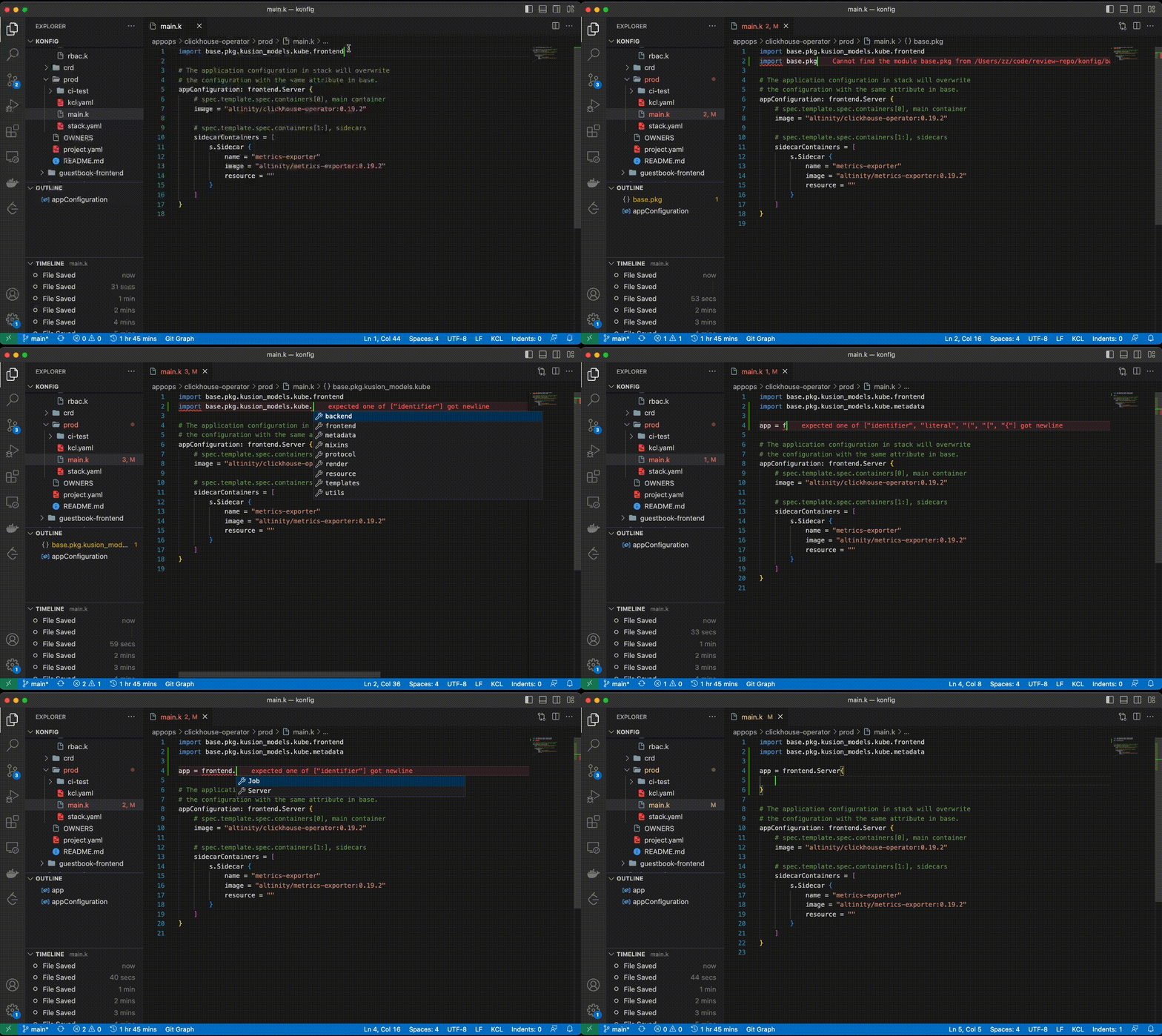
The KCL Extension provides comprehensive coding assistance, offering features such as highlighting, go-to definition, completion, hover, outline, and diagnostics. For more information about the installation, please visit here
NeoVim
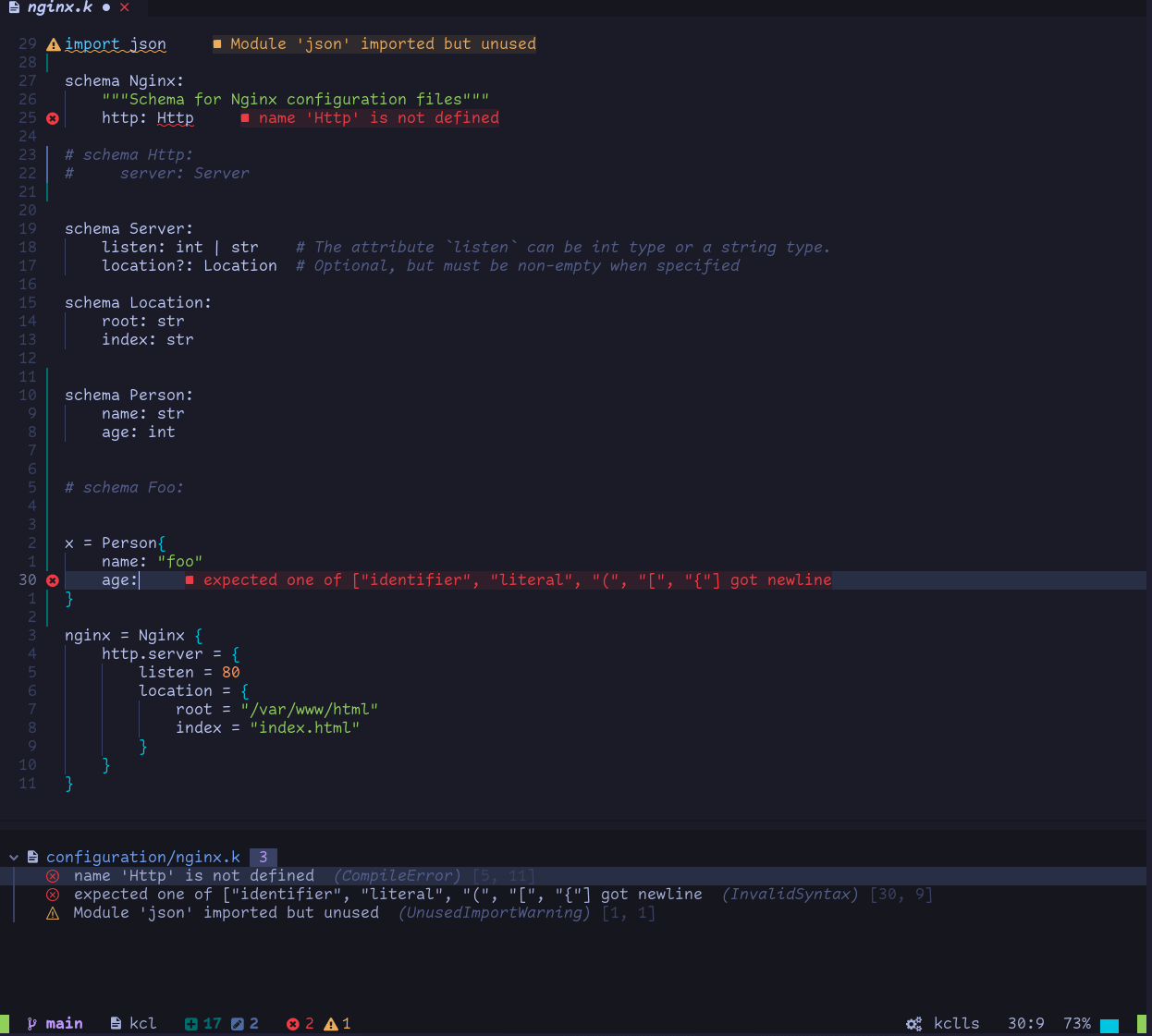
To configure the KCL language server and enable it, please refer to here
IntelliJ IDEA
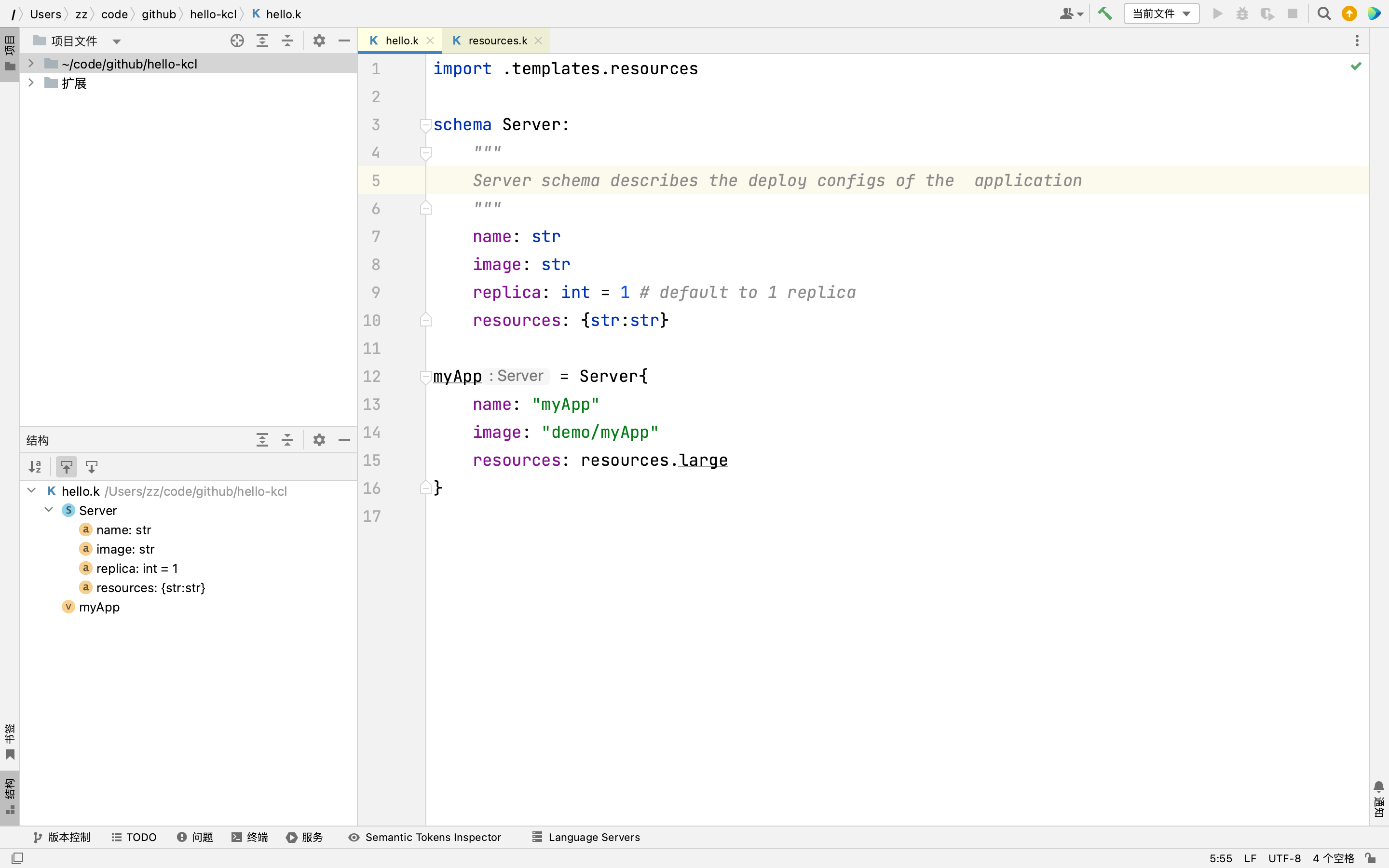
We offer IntelliJ KCL plugins. For detailed information about the installation, please visit here